IDE installation
Once you have Python installed, it's a good idea to use an IDE (Integrated Development Environment) to write your code. An IDE is a tool that makes writing code easier. You can choose your own IDE such as PyCharm or Visual Studio Code.
Here, I will show how to install PyCharm, which is a popular IDE for Python development.
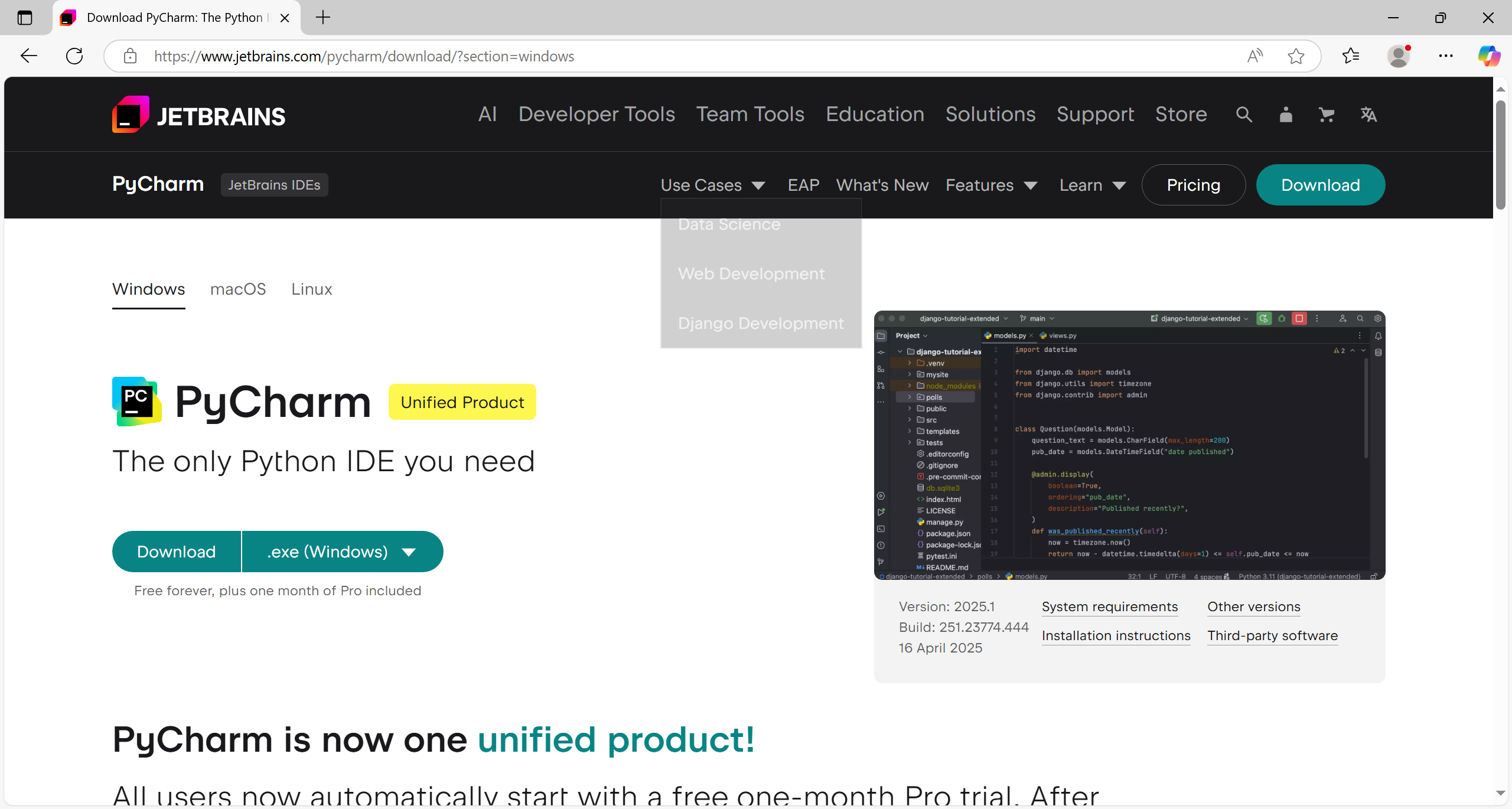
To install PyCharm, go to the JetBrains website and click Download.
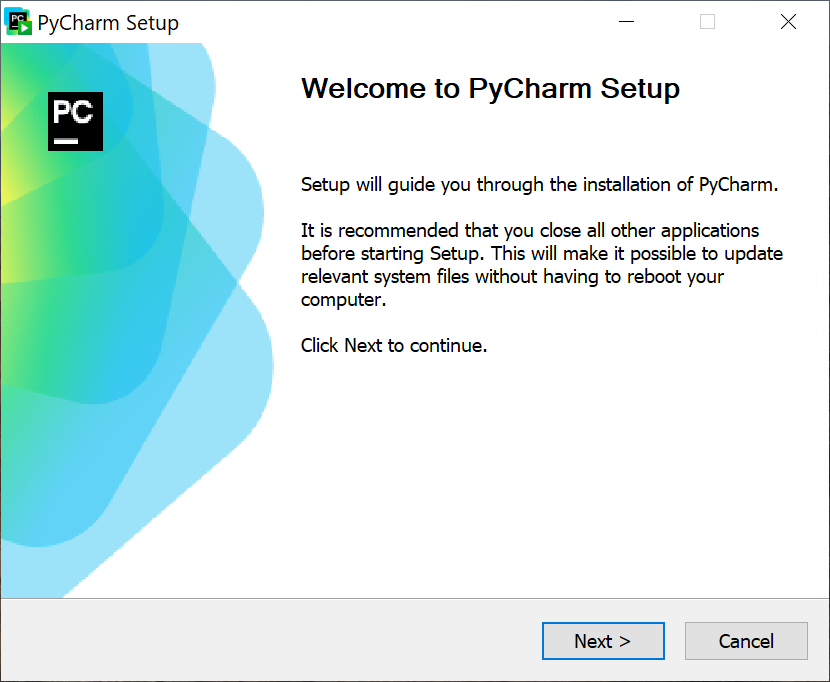
After downloading the file, run the installer.
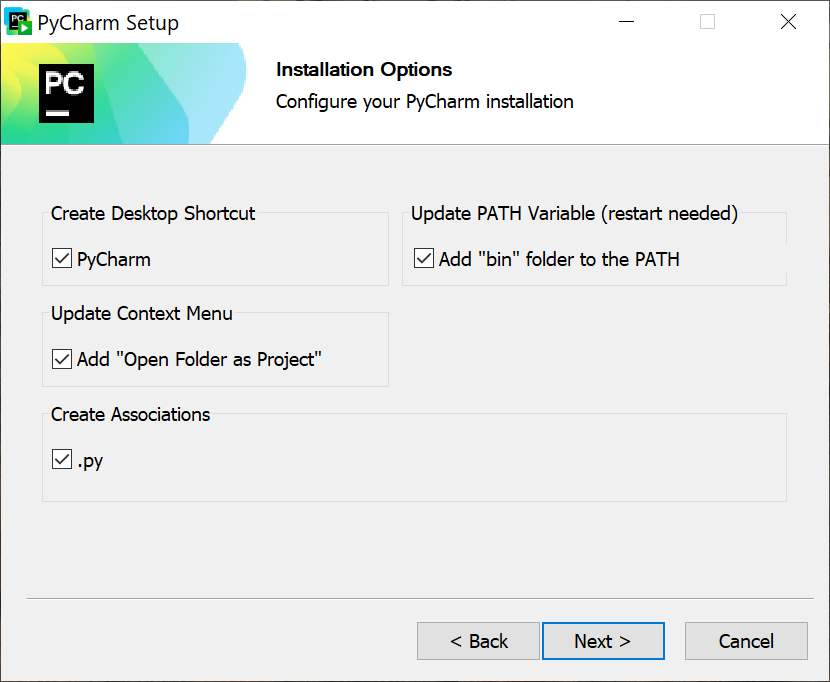
During installation, select the options according to your preferences. If you like, you can add PyCharm to the system context menu, which will make it easier to launch the program later.